NewStrategy — expert-reviewed growth plan for AI searchLearn more
Search Visibility for AI Mode

Monitor your search visibility in AI Mode

Beamtrace checks for the prompts and topics where AI Mode could surface your business, weighs your visibility against competitors, and turns every gap into a ranked action.
No credit card needed ✦ 14-day trial on all plans
From visibility to action

See where AI Mode leaves you out — then close the gap

Beamtrace runs your prompts against AI Mode's live results, checks who's showing up in your place, and turns each gap into a prioritized fix.

Find what's costing you visibility

Spot the exact topics, prompts, and competitors pulling attention away from your business in AI Mode.

Get a specific action

Every recommendation points to one prompt or topic and the change needed to close that gap.

Fix what matters first

Recommendations are ranked by visibility impact, so you tackle the biggest opportunity before the rest.

Track the result

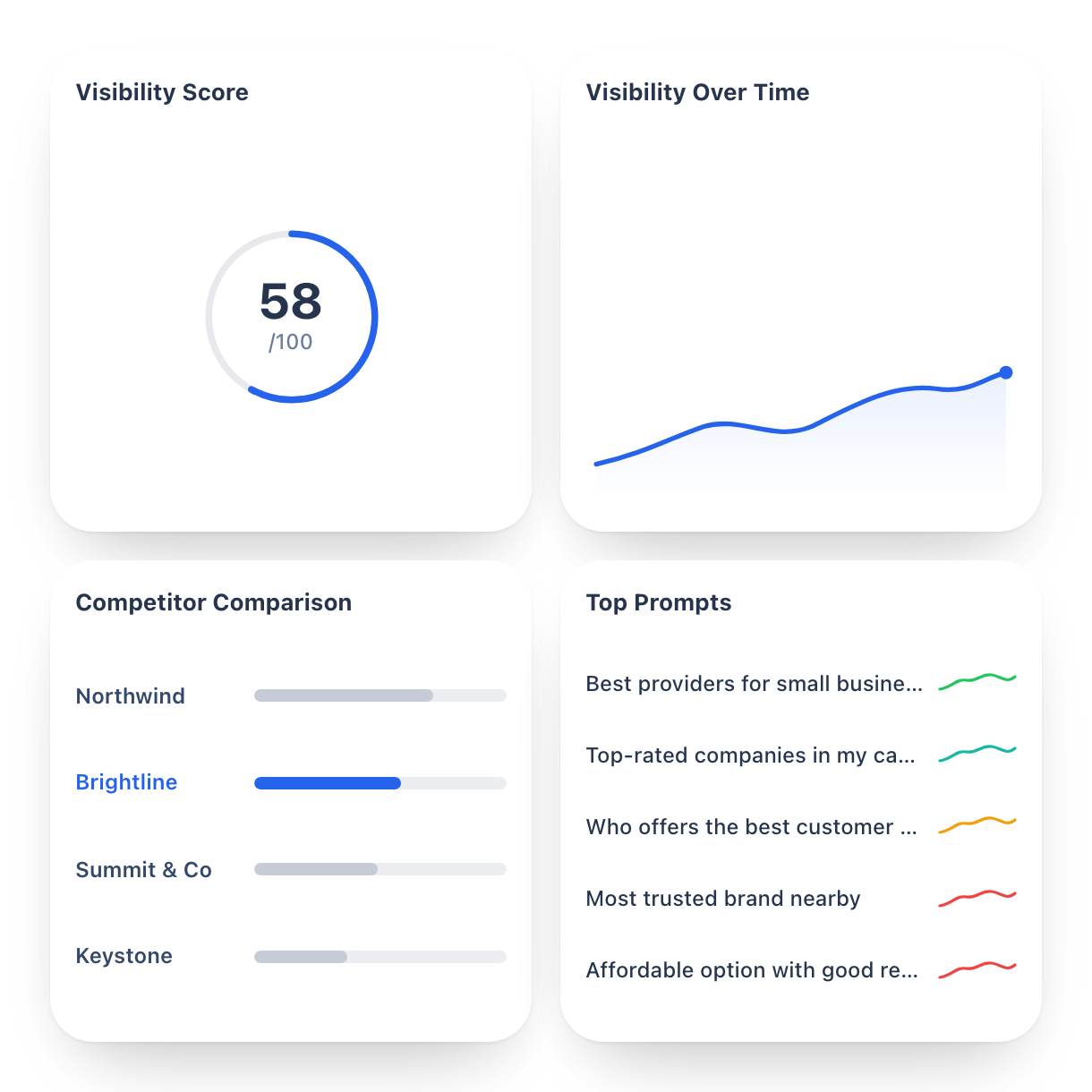
Follow your Visibility Score, Share of Voice, and prompt rankings as your changes take hold.
Root causes

What decides your visibility in AI Mode

Two things Beamtrace looks into: how well your topics and prompts match what buyers actually type into AI Mode, and how you compare with the competitors already claiming that space.

Cover the prompts people ask

Breaks your visibility down by topic and by individual prompt, so you can see the specific questions AI Mode is answering without ever naming your business.

Beamtrace checks:

  • AI Visibility Score and band

  • Topic-level coverage

  • Prompt-level Visibility Score and Rank

  • Lost-visibility prompts

Cover the prompts people ask finding poster

Outrank the competitors AI Mode names

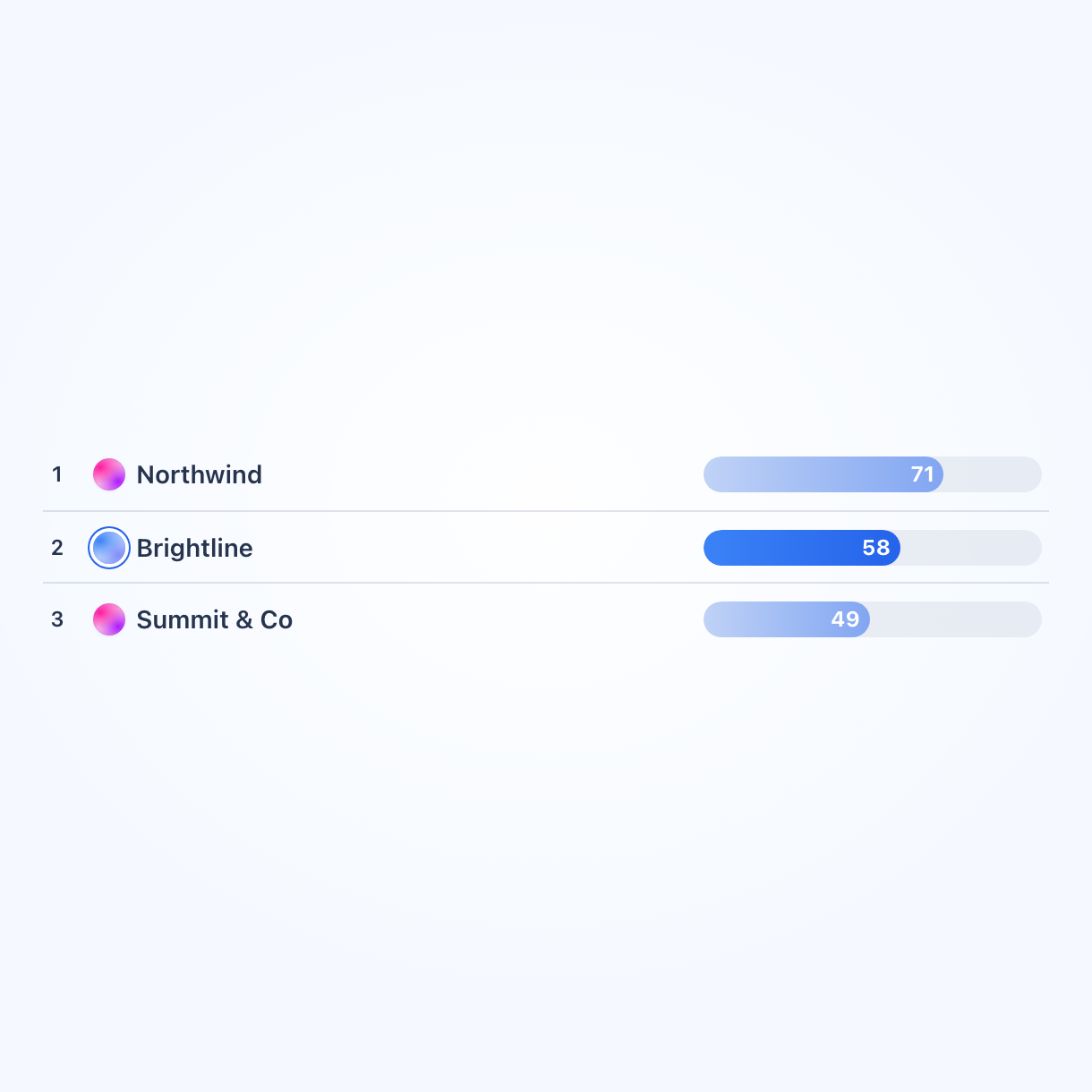
Measures your standing against the competitors AI Mode surfaces, and how far up the answer you land when you do get mentioned.

Beamtrace checks:

  • Share of Voice and trend

  • Placement snapshot

  • Competitor rank and mention totals

  • Gap to the leading competitor

Outrank the competitors AI Mode names finding poster
Workflow

Track visibility in AI Mode in 3 steps

1. Add your business poster

1. Add your business

Connect your website to get a free visibility report from Beamtrace.
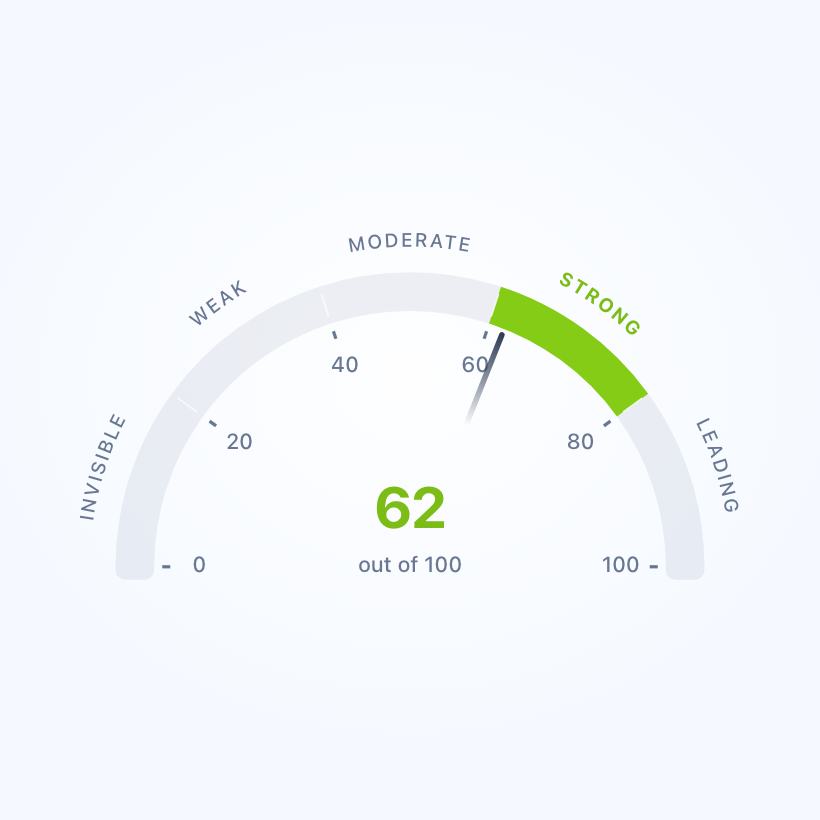
2. Get visibility data across AI Mode poster

2. Get visibility data across AI Mode

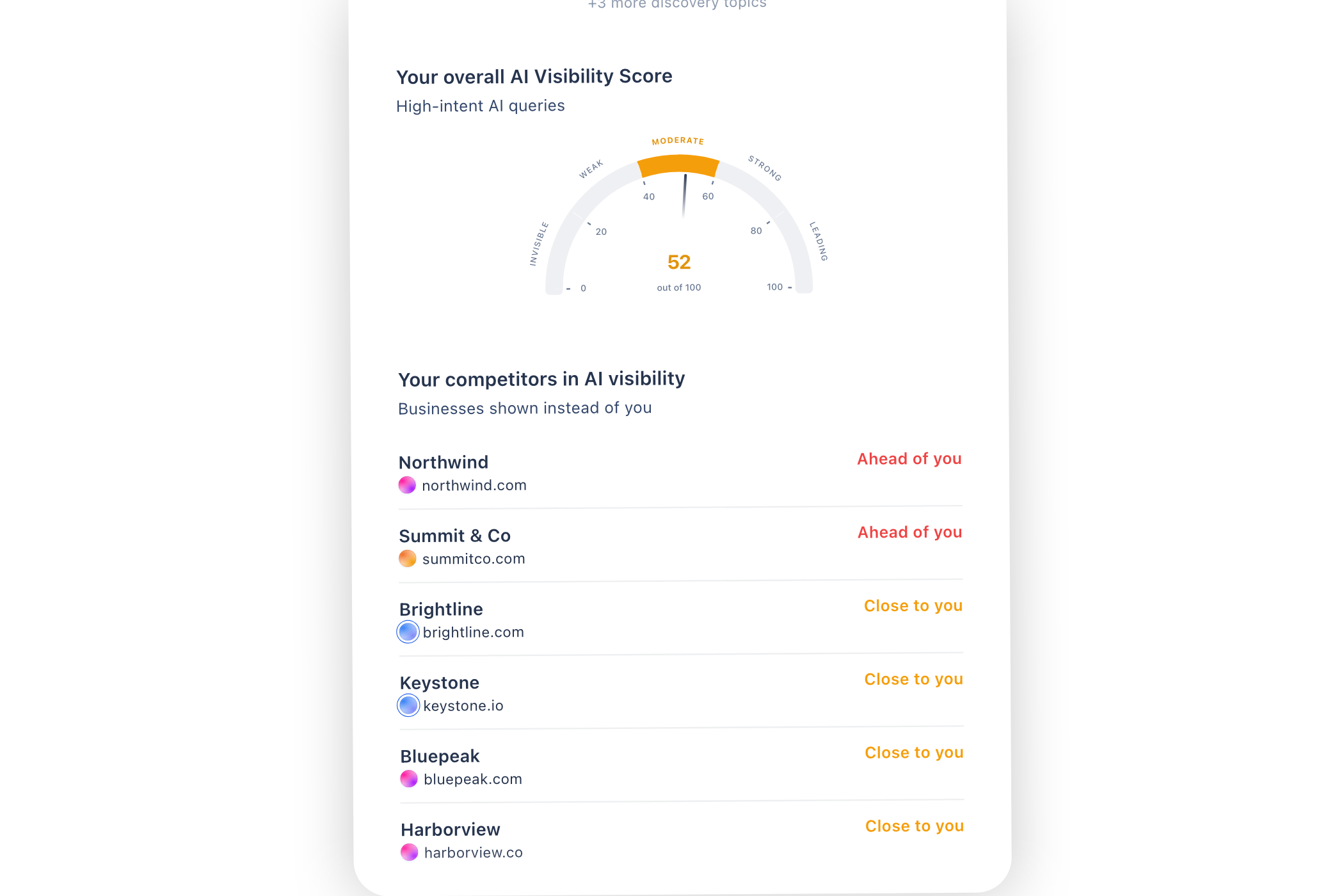
Check your Visibility Score, find the prompts where you're absent, and see where you stand against competitors.
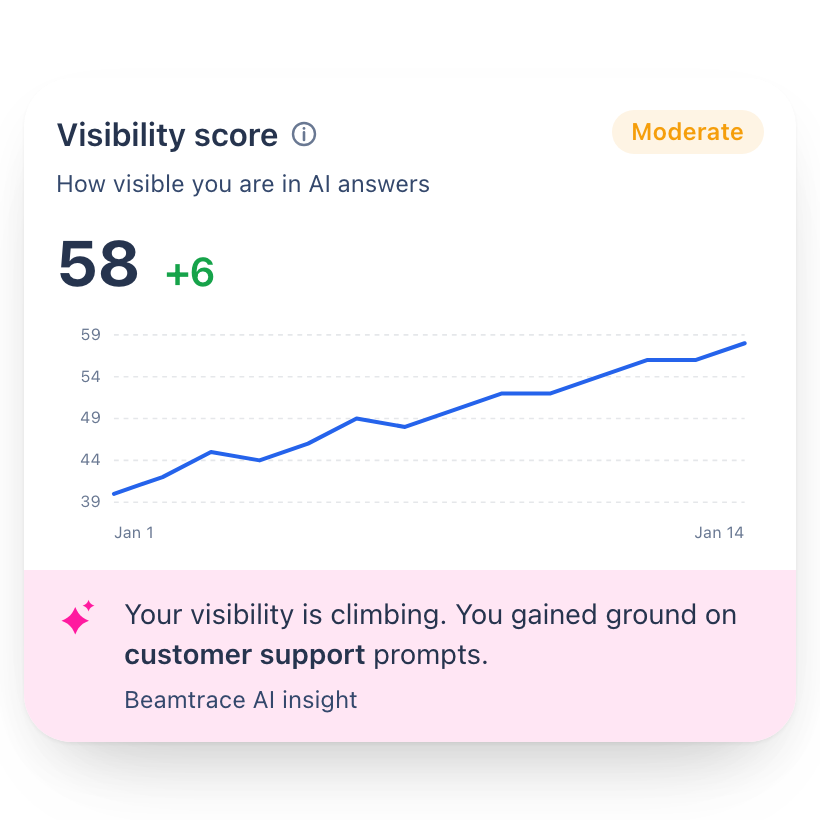
3. Act on what moves the score poster

3. Act on what moves the score

Work through the recommended actions and watch your score respond as each one lands.

FAQ

More platforms

See your visibility across other AI platforms

Track how your brand shows up across every major AI platform.