NewStrategy — expert-reviewed growth plan for AI searchLearn more
AI Reputation Management for DeepSeek

Strengthen your brand's reputation on DeepSeek

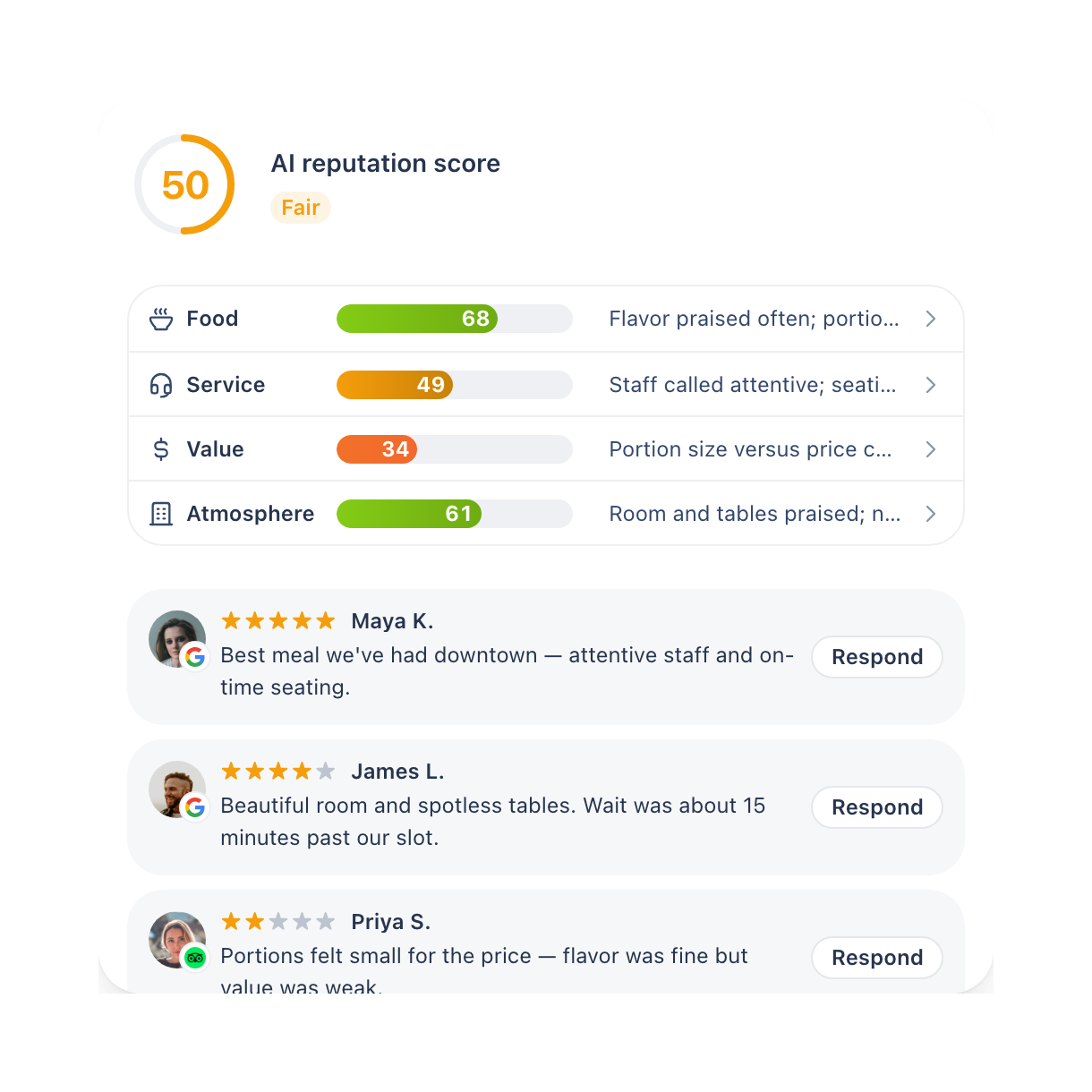
Beamtrace scores every business area using your reviews, then flags whichever one is costing you the most when someone turns to DeepSeek for a recommendation — so you know where to start.
No credit card needed ✦ 14-day trial on all plans
From score to action

See where your DeepSeek reputation is losing ground — then close it

Beamtrace checks your reviews and website content against how AI frames your business, pinpoints what's dragging the score, and turns each gap into something you can act on.

Find what's pulling your score down

See which business areas and reviews are holding your AI Reputation Score back.

See the full context

Every weak spot links to the actual reviews and reasoning behind it.

Work on what's costing you most

Area scores roll up into your total, so the one holding back is obvious before you touch anything else.

Reply and track the shift

Reply where it matters, then watch the score move as new reviews come in.
Root causes

What's shaping DeepSeek’s view of your business

Beamtrace looks at two sides of your DeepSeek reputation: how solid your review signal is, and whether AI's current read on your business holds up.

Make your reviews visible to DeepSeek

Cover the raw signal AI would draw on if it looked your business up: review volume, recency, reply status, and coverage across business areas.

Beamtrace checks:

  • Review volume and rating trend

  • Review recency and reply status

  • Business-area coverage

  • AI Reputation Score movement

Make your reviews visible to DeepSeek finding poster

Make DeepSeek’s summary accurate

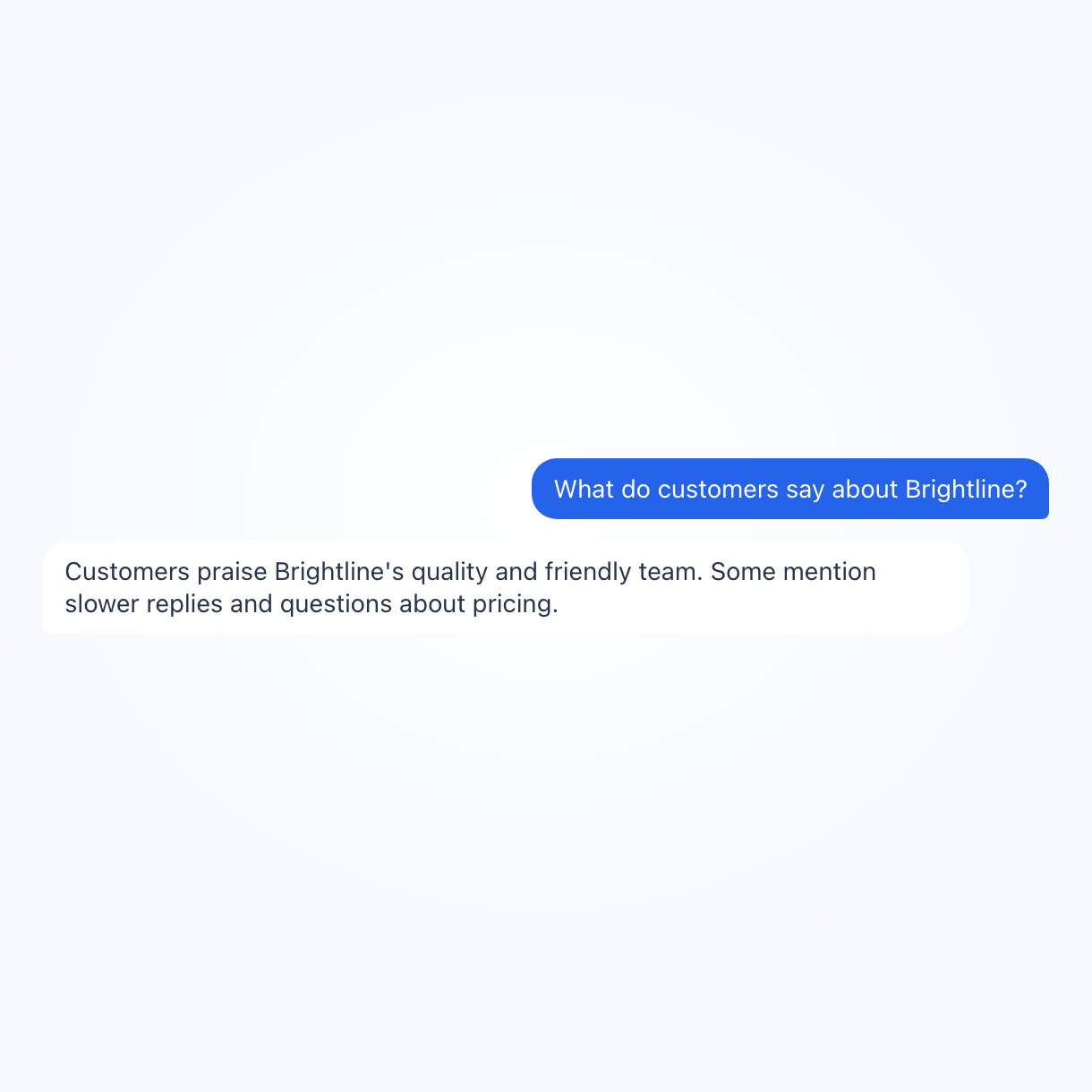
The Reputation summary builds from your reviews and website content: go through what it calls a strength, what it flags as a concern, and check that against what customers experience.

Beamtrace checks:

  • Reputation summary accuracy

  • Business-area scores

  • Watchouts with no reply or fix logged

  • Recurring complaints

  • Freshness of the reviews

  • Score-band movement after a fix goes in
Make DeepSeek’s summary accurate finding poster
Workflow

Manage reputation in DeepSeek with 3 steps

1. Add your business poster

1. Add your business

Connect your website and generate your first AI Reputation Score and report.
2. Get reputation data across DeepSeek and reviews poster

2. Get reputation data across DeepSeek and reviews

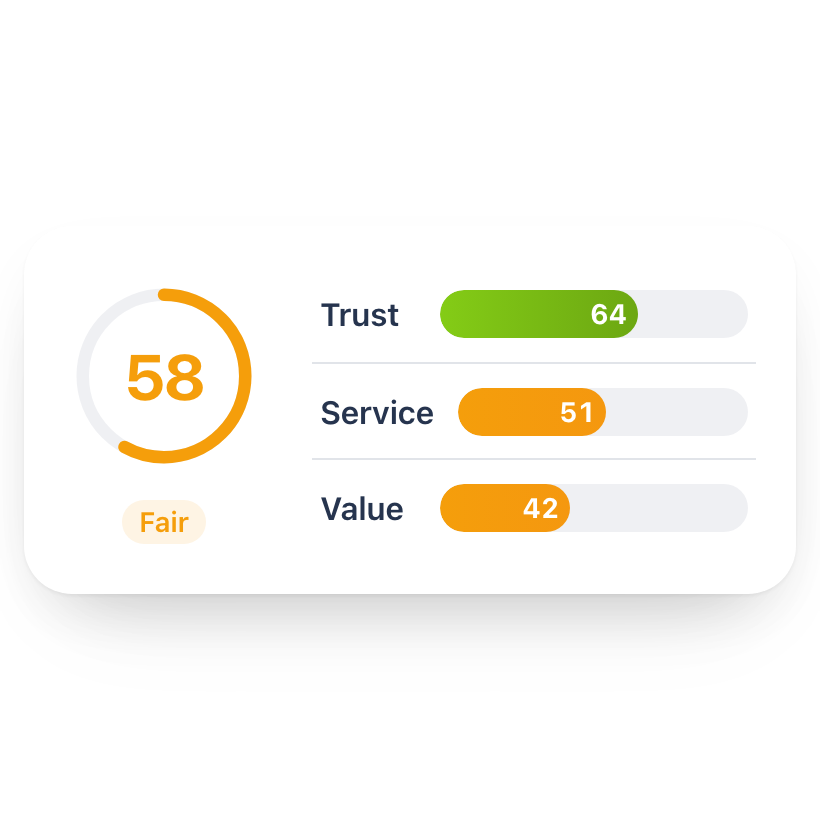
See your overall score, Reputation summary, business-area scores, and the reviews driving each one.
3. Reputation monitoring poster

3. Reputation monitoring

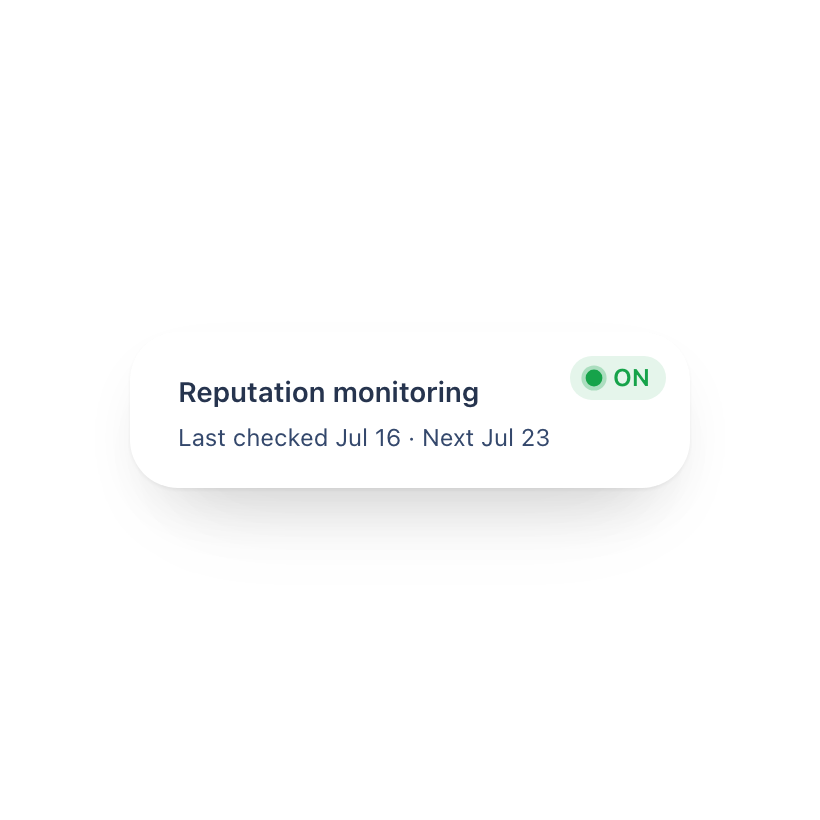
Track reviews, ratings, and shifts in how your business reads to AI, with alerts the moment something moves.


FAQ

More platforms

Manage reputation for other AI platforms

See how the same reviews and business-area scores play out across the other AI platforms.